

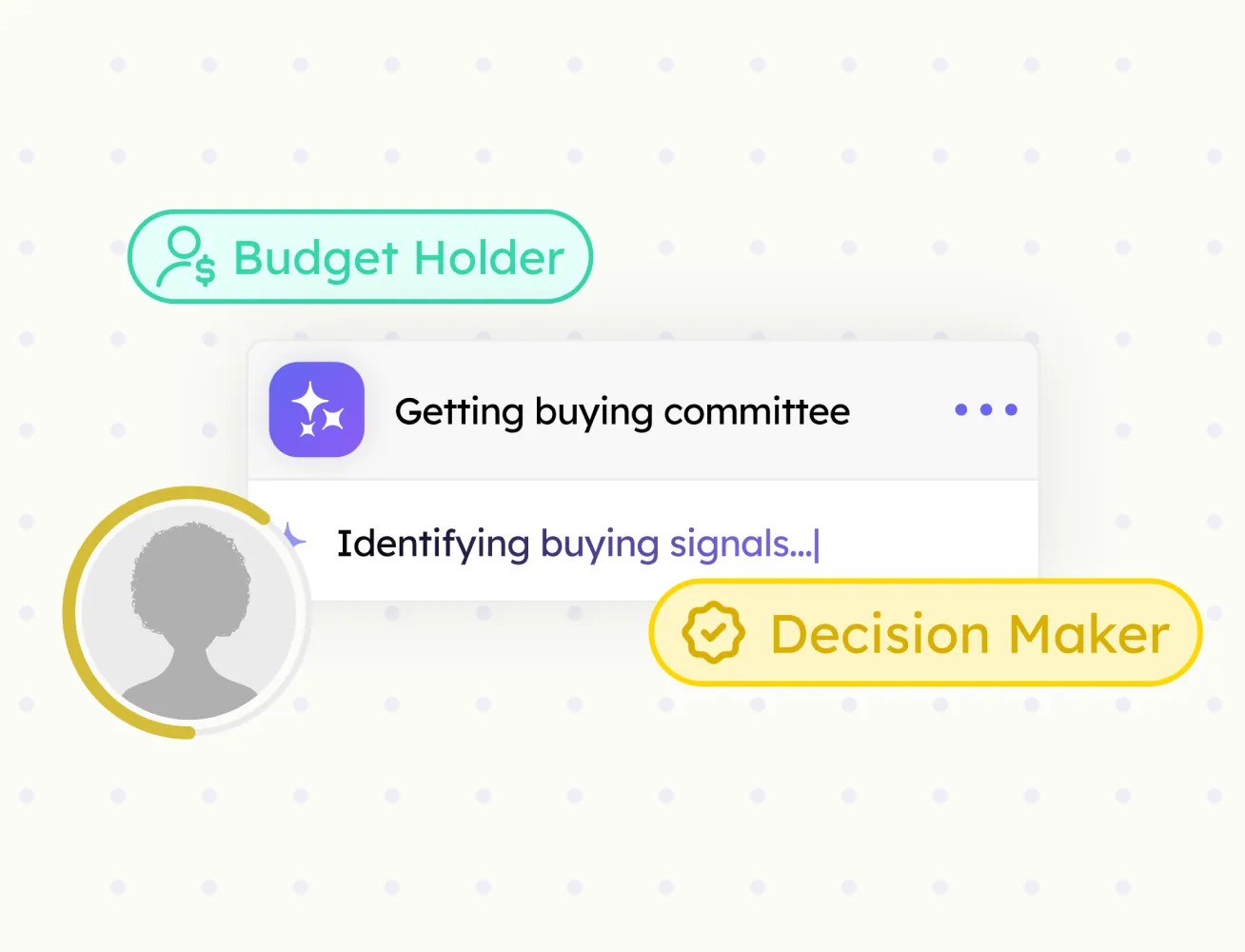
Buying Committee
Every decision-maker at an account, mapped by role, with confidence scores.
Save contacts in one click and sync them to your CRM — no CSV files and no manual data entry
Sales reps spend 30+ minutes daily copying profile data into the CRM. Contact Import automates this workflow with a single click, so your team can add contacts faster, reduce manual work, and stay focused on selling.

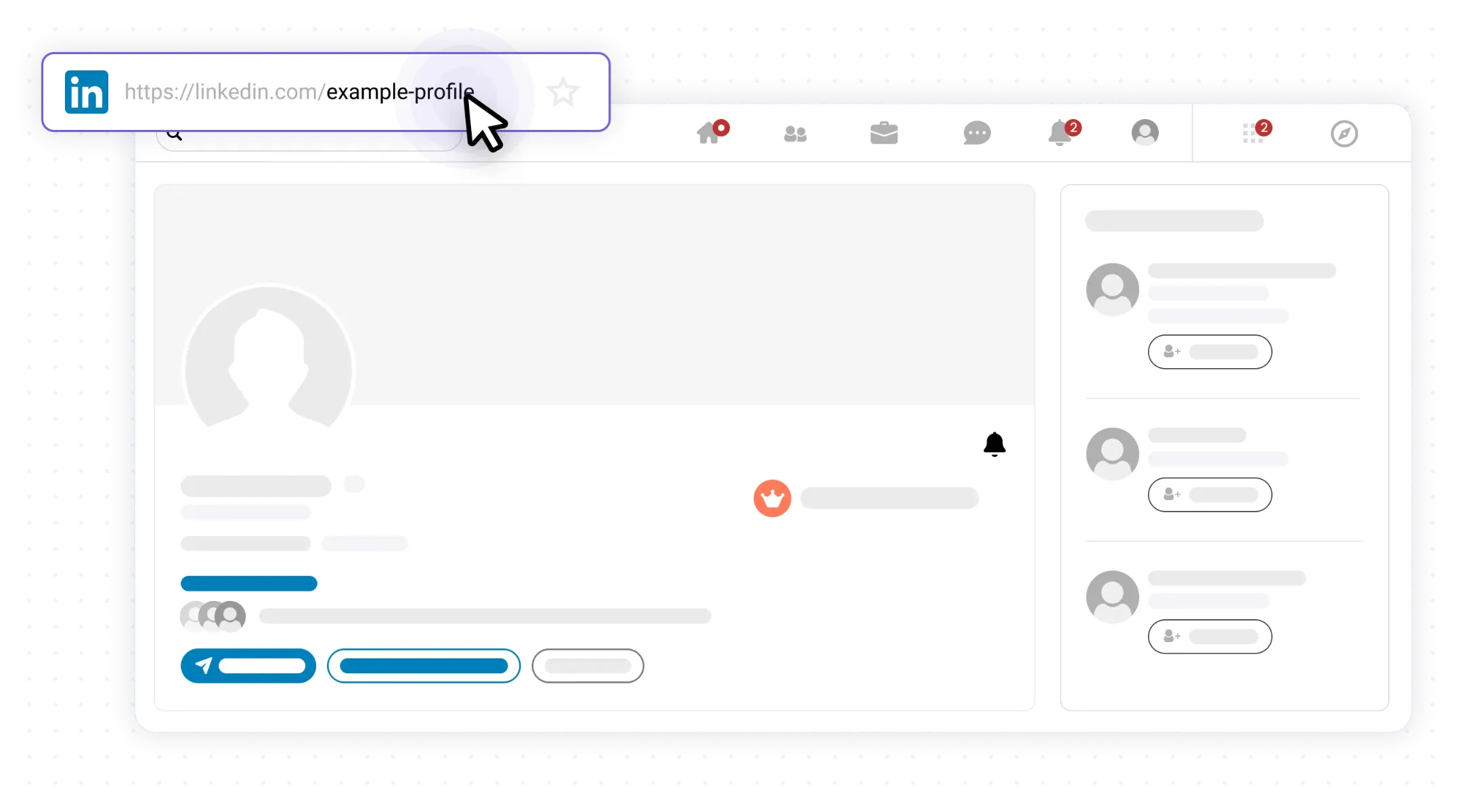
Go to the contact profile of the contact you want to save.
One-click import from any contact profile
Automatic duplicate detection
LinkedIn fields mapped to your CRM fields
No CSV files or manual data entry
LinkedIn profile URL saved for future reference
Every decision-maker at an account, mapped by role, with confidence scores.

Verified emails and phone numbers for every contact your team imports.
Save full company data from any company page and sync it to your CRM.
Save any prospect profile in one click and sync it to your CRM. Fields mapped, no copy-paste.
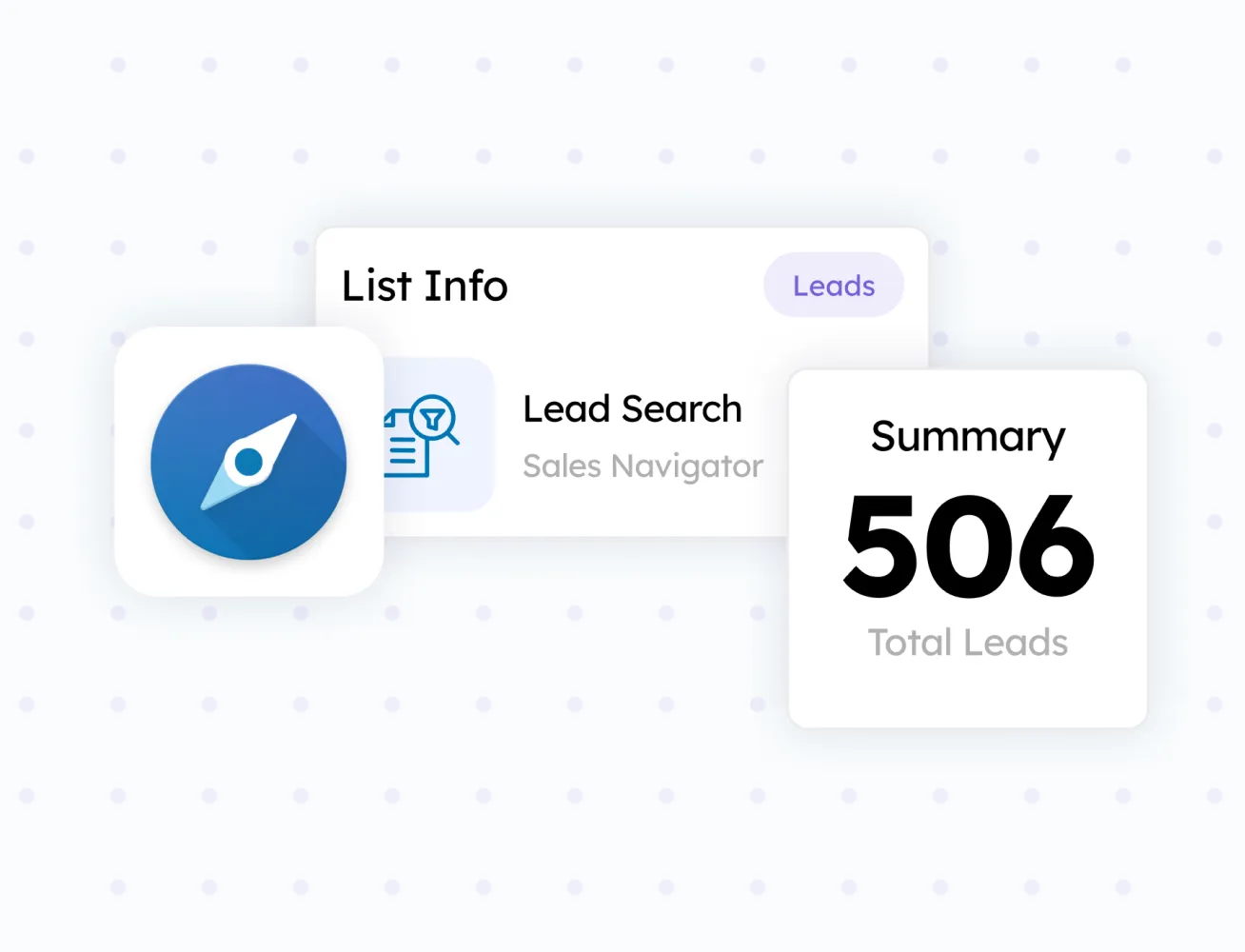
Turn any search result or prospect list into a CRM-ready batch.