

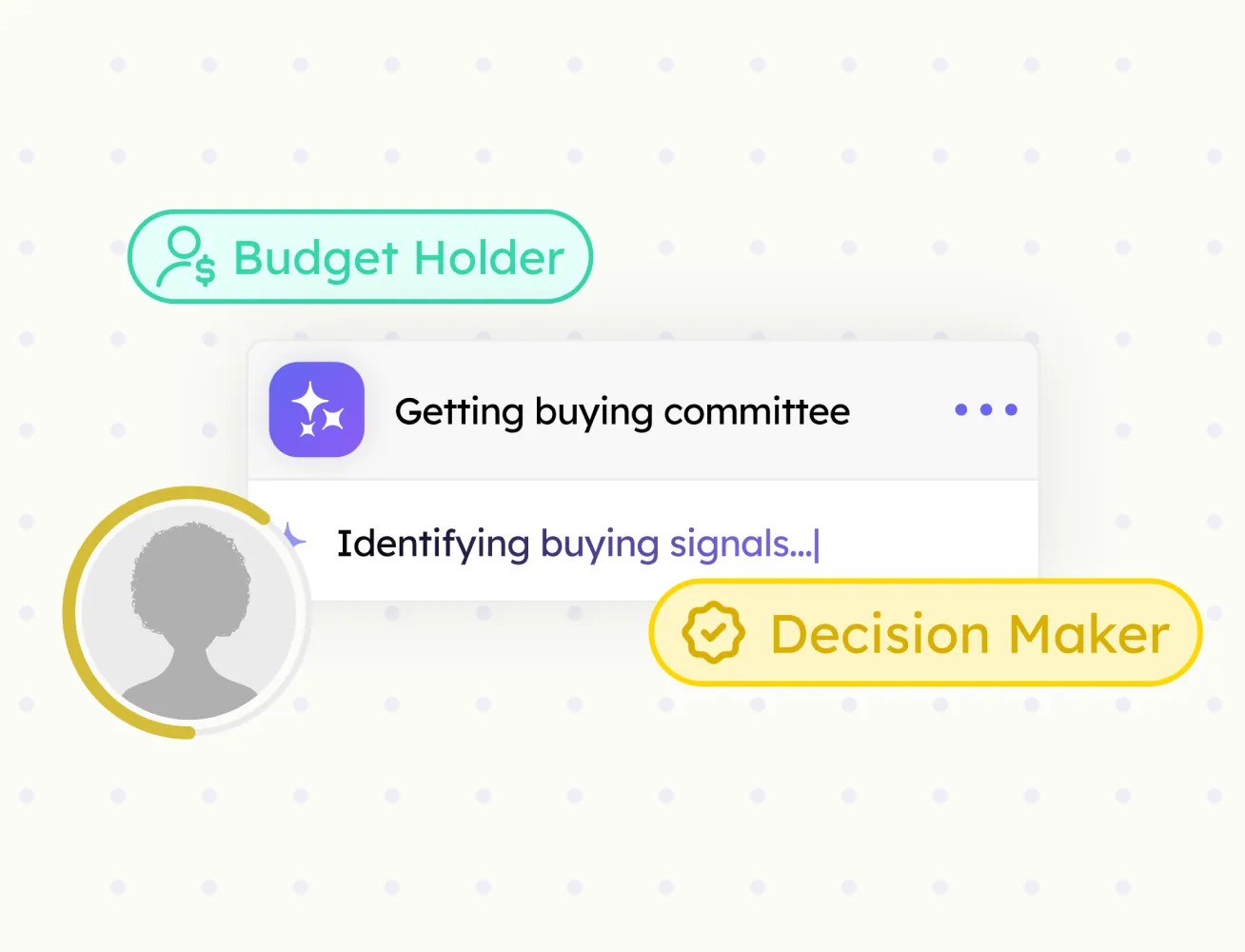
Buying Committee
Every decision-maker at an account, mapped by role, with confidence scores.
Save company pages in one click, sync them to your CRM, and build your target account list from any web page.
Researching companies and adding them to your CRM is a multi-step, error-prone process. Company Import collapses it into one click, pulling key company details like industry, size, location, website, and related contact data.

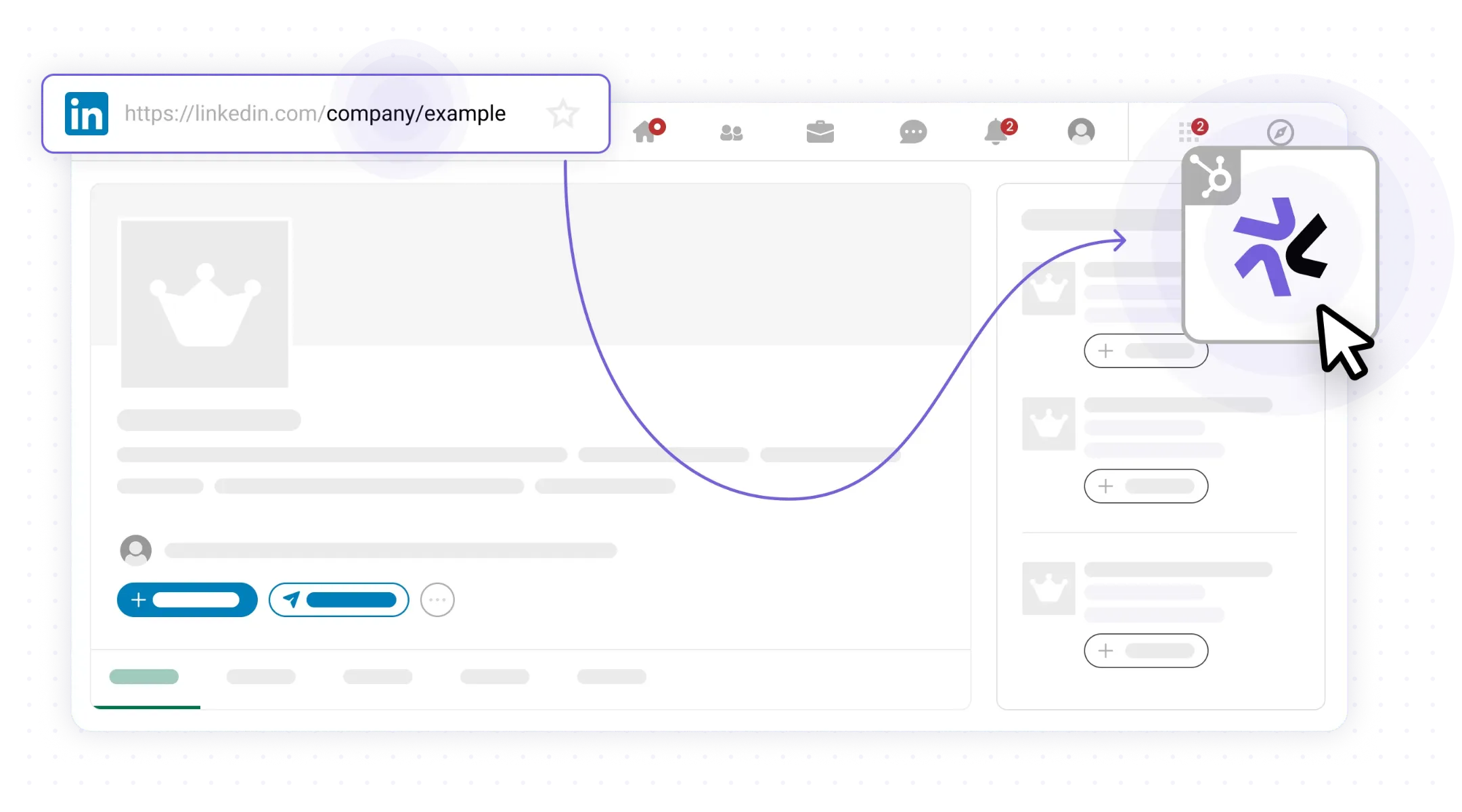
Go to any company page you want to save and open the LeadLx sidebar.
Import company data from company pages
Auto-map key company details
Detect existing company records in your CRM
Pull industry, size, location, and website data
Build target account lists in minutes, not hours
Every decision-maker at an account, mapped by role, with confidence scores.
Verified emails and phone numbers for every contact your team imports.
Save full company data from any company page and sync it to your CRM.
Save any prospect profile in one click and sync it to your CRM. Fields mapped, no copy-paste.
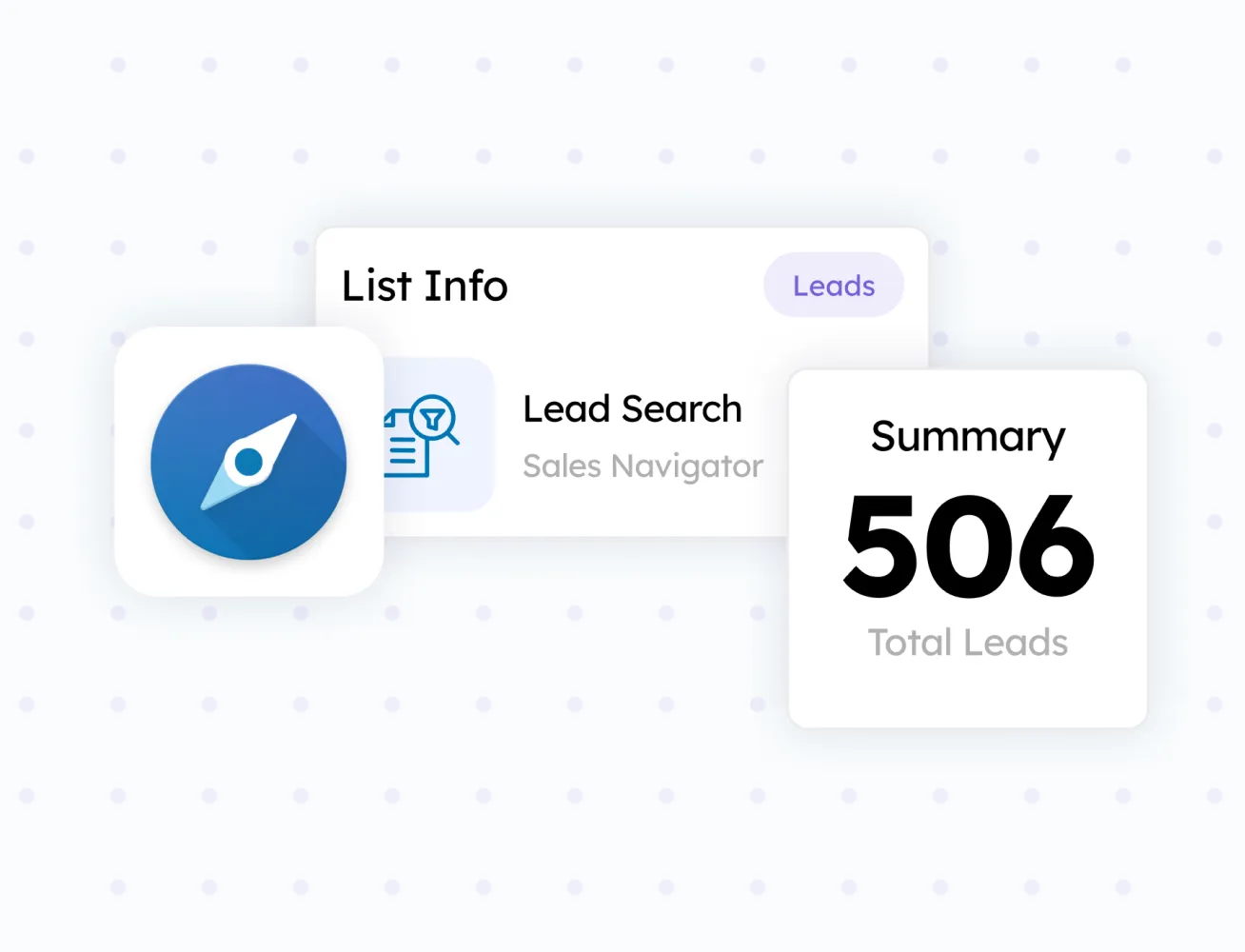
Turn any search result or prospect list into a CRM-ready batch.